
10 modules,
one database.
A customer created in Core is the same customer who opens a ticket, receives a shipment and earns a rep their commission. No syncing, no duplicates, no "the other system".
Core — A complete CRM · always included
The base every user gets, whatever their role. It is what makes this a place people work in daily, rather than a data archive.
- Customers, contacts and company hierarchy: parent, child, Ship-To, intermediary — with a dedicated mailbox for accounting and for delivery updates
- Orders with a full lifecycle from quote to delivery
- Multi-language quotes, invoices, delivery notes and RMAs
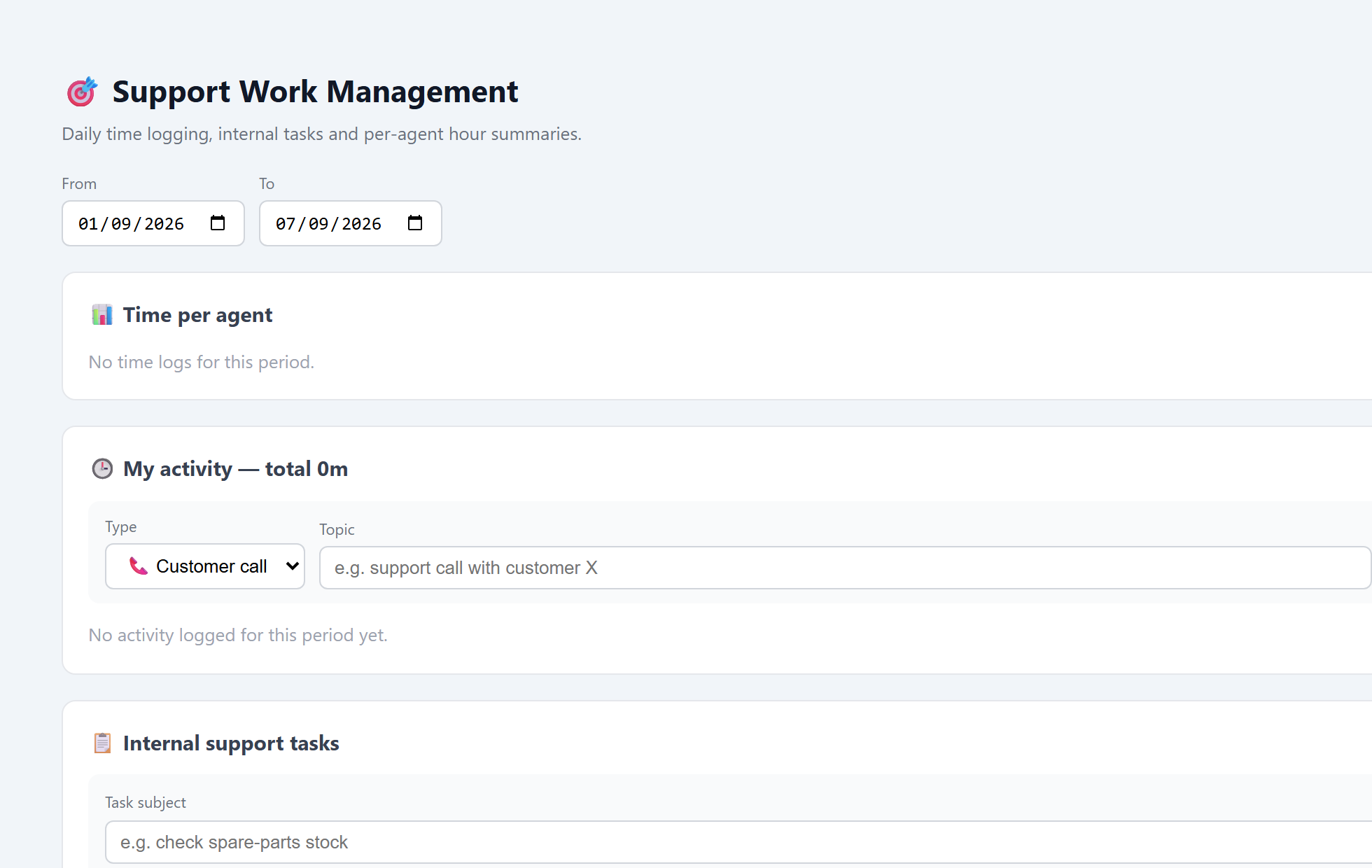
- A full price list: families, quantity tiers and a per-customer catalog
- Leads, pipeline and a complete activity timeline per customer
- Branded documents: logo, languages, numbering and signature — every field shown or hidden per document type
- A payment reminder to the customer: every open invoice in one email, grouped under the parent company that actually pays, approved by you before it goes
- Duplicate customers merge with their addresses, payment and shipping terms and billing profile
- A dashboard per role — manager, sales and the lead desk in Core; logistics, support and tasks with their module — each with a "needs my attention" feed
- A report engine over everything in the system: pick a subject, fields, filters and a period, save the report and share it. Scope is enforced on the server — mine, my team’s, or the whole organisation
- Filter and group by the parent company across the entire chain of subsidiaries, at any depth — a group that buys through four entities counts as one customer
- Cross-entity search by SKU, by the quote number the customer received or by their own PO · in-app and email notifications
- Per-user, per-module permissions
- Four interface languages — English, Spanish, Russian and Hebrew — and documents and email in the language of the contact receiving them, from a list you choose
- Installs as a phone app · help centre · light and dark mode
Pricing & Catalog
The right price for every customer, automatically. Families, quantity tiers, variants and dedicated price lists that inherit down the parent chain.
- Product families, quantity tiers and a per-family discount curve
- Promotions and discounts per product, per family and per customer — and a promotion can be marked "offered only", so it is shown to the salesperson and never applies itself
- Variant builder with automatic SKUs from a scheme you define
- A dedicated price list per customer, inherited down the parent chain
- Kit products that split into components on the order
- Per-customer SKU prefixes on documents
- Shipping cost calculator by rate zone
✓ Included in Core
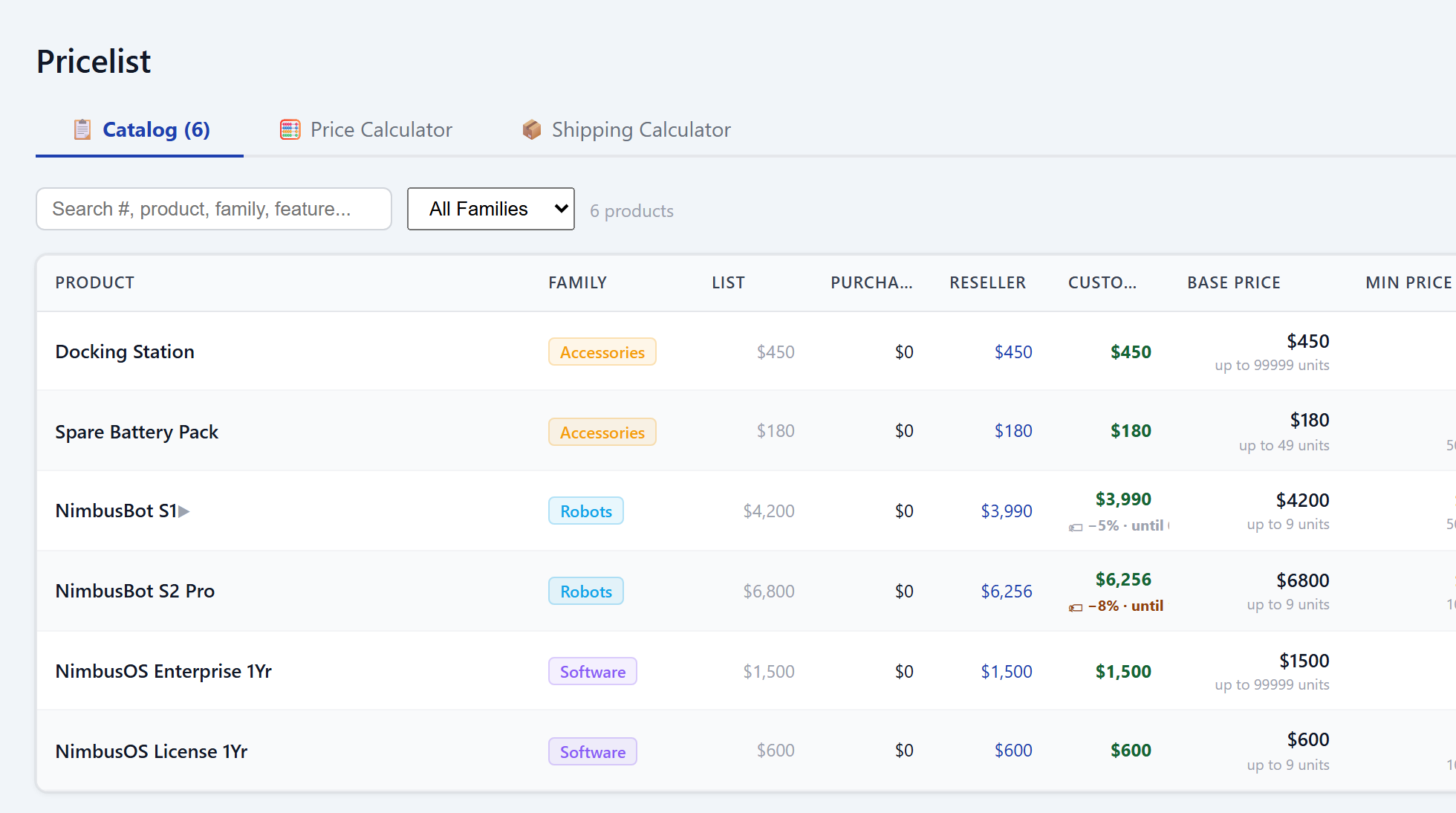
Tasks & projects
Not a to-do list bolted on the side but a system in its own right — and its advantage over a separate tool is that it sits on the same data: a task links to a customer, an order, a ticket or a product, and you see it from both directions.
- Tasks and subtasks at any depth, with automatic status roll-up to the parent
- A project with a goal, milestones, a lead and a team — and a task becomes a project in one click
- A kanban board with drag-between-statuses, or a list view
- Recurring tasks that respawn, and update requests with email reminders
- Colour-coded project topics, and team-based visibility so each person sees their own
- Links to any entity: customer, contact, order, ticket, product, supplier
By edition
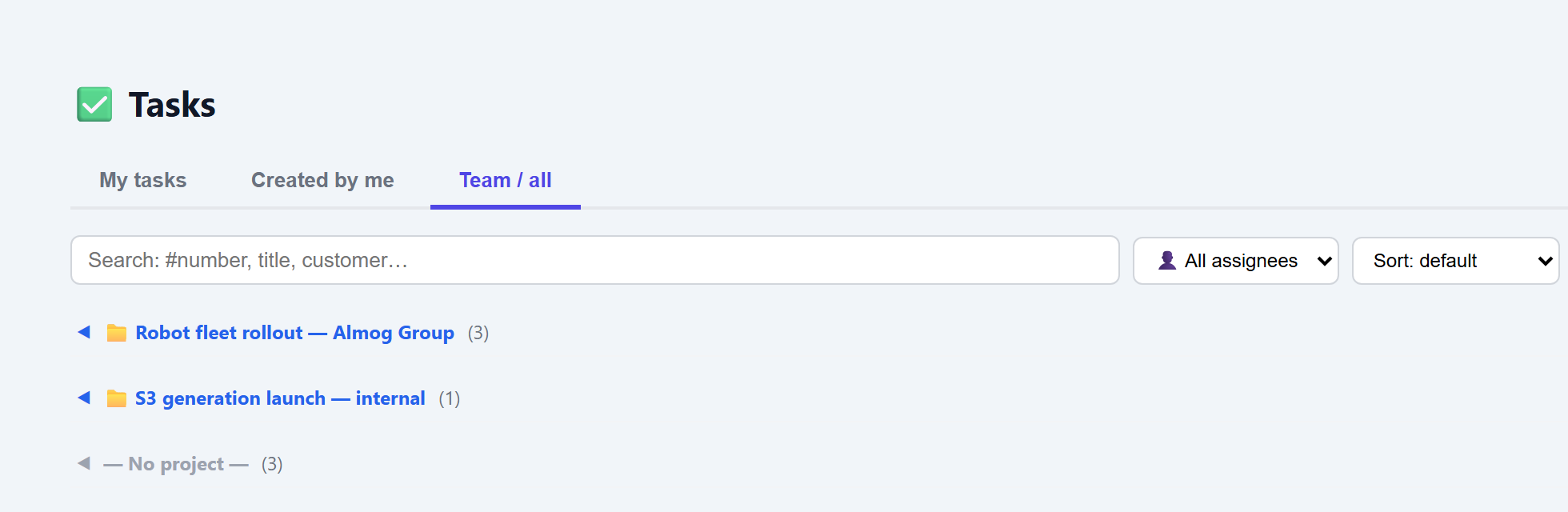
Logistics & Suppliers
What is ready, what is missing, what ships today. Stock allocated by real priority, and partial shipments that each get their own paperwork.
- Suppliers, lead times and production tracking
- FIFO stock allocation by priority and required date
- Partial shipments — an invoice and note per despatch
- Packing: cartons, pallets, weights and a packing list
- AWB, shipment tracking and delivery confirmation
- Real-time shortage and delay alerts
- Purchase orders showing the supplier price, the discount and the price to pay — with the licence key on a renewal line
- Live supplier debt, and a payment run that holds its selection until the transfer is confirmed
- A consolidated supplier reminder: every order still open with them in one email, the orders attached as PDF
- A preview before a number is spent, and a cancellation that writes to the supplier as well
By edition
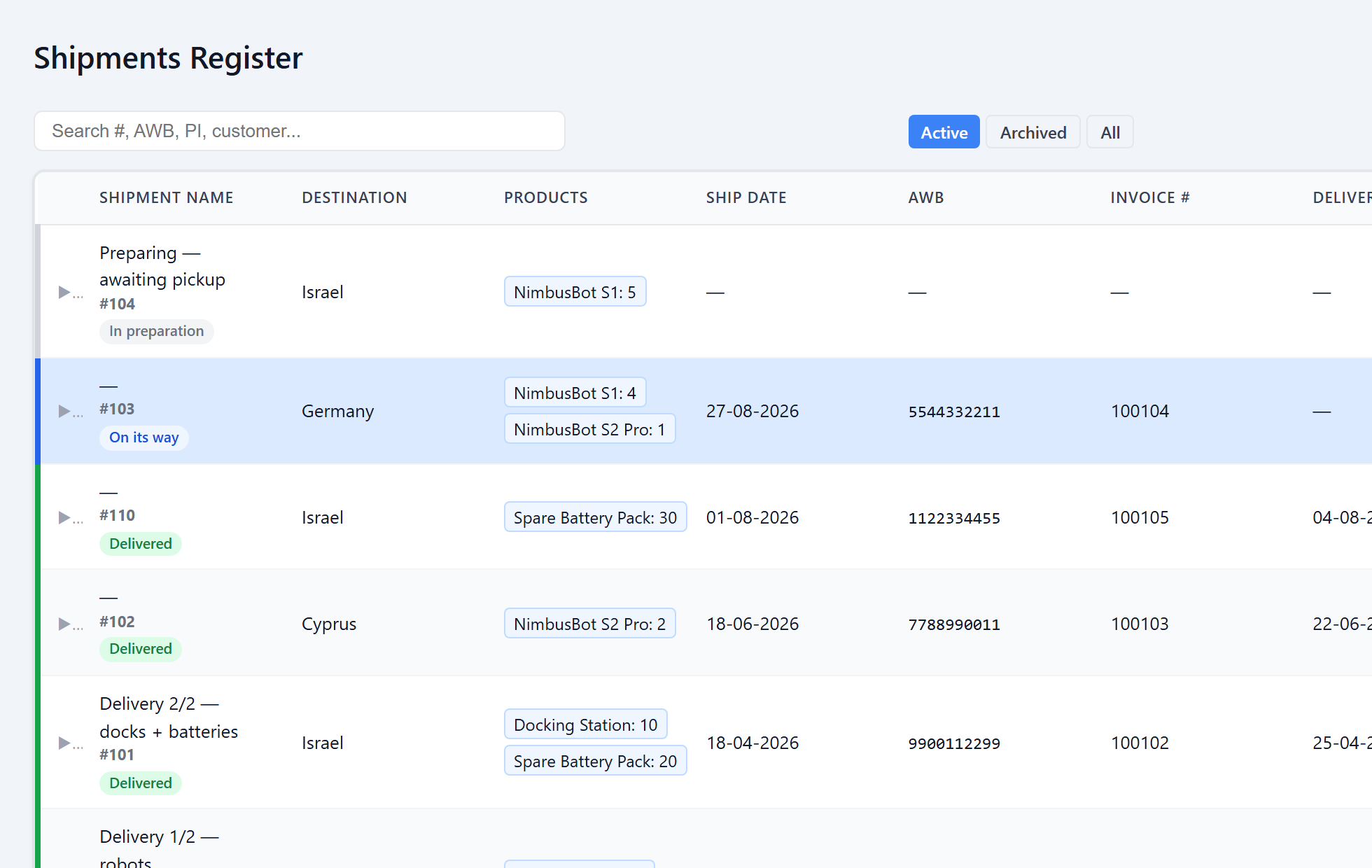
Support & Service Tickets
A ticket knows which product it concerns, which order delivered it and when. The customer sees all of it in their own portal.
- Tickets with automatic routing and SLA measurement
- Reassignment and a manager queue, with an alert on a ticket left waiting
- Tickets linked to a product and an order — shipment details included
- Recurring-issue detection by product
- Time logging and internal tasks for the support team
- Branded email replies that link back to the portal
By edition
Customer portal
Your customer stops phoning to ask what is happening. They sign in and see their own orders, documents and products, open a ticket and follow it, and approve a quote into an order. What they see follows what your system holds — so no two portals are alike.
- Customers sign in and see their own orders, documents and products
- Open a support ticket and follow it, with a notification when you reply
- Quotes: request, change quantity and approve into an order
- Announcements with read tracking
- Profile photo, personal language and Google sign-in
- The portal offers your customer exactly the languages you chose for your documents — not a second list that can disagree with the invoice
By edition
Events & Workshops
A product becomes a date: a class, a workshop, a course or a meeting, with recurrence and real capacity — a full session closes and the waiting list promotes itself. A public sign-up page creates a portal login, and the registration lands on the same order, the same invoice and the same customer as any other sale.
- A product becomes an event: a class, a workshop, a course or a meeting
- Weekly, fortnightly or monthly recurrence — or a one-off
- Real capacity: a full session closes, and the waiting list promotes itself
- Service cities, and the cities each product is offered in
- A public sign-up page that creates a portal login
- A price or a promotion for a single session, without touching the price list
By edition
Marketing & Leads
A lead arrives with its source attached, so at the end of the month you can say which channel brought customers and which brought work. The form sits on the same customer base as the rest of the business, so there is no separate lead system to copy out of.
- A capture form of its own for every site and every kind of customer — no duplicates, no second system
- The lead source is a required field: campaign, form and site are recorded the moment a lead arrives
- The whole funnel: how many leads came in, how many became customers, and how long each stage took
- Conversion rate by source — which channel brings customers and which brings noise
- Rep performance: first response time, leads nobody touched, and closes
- A dashboard for whoever owns marketing — one screen, by period
By edition
Commissions & Distributors
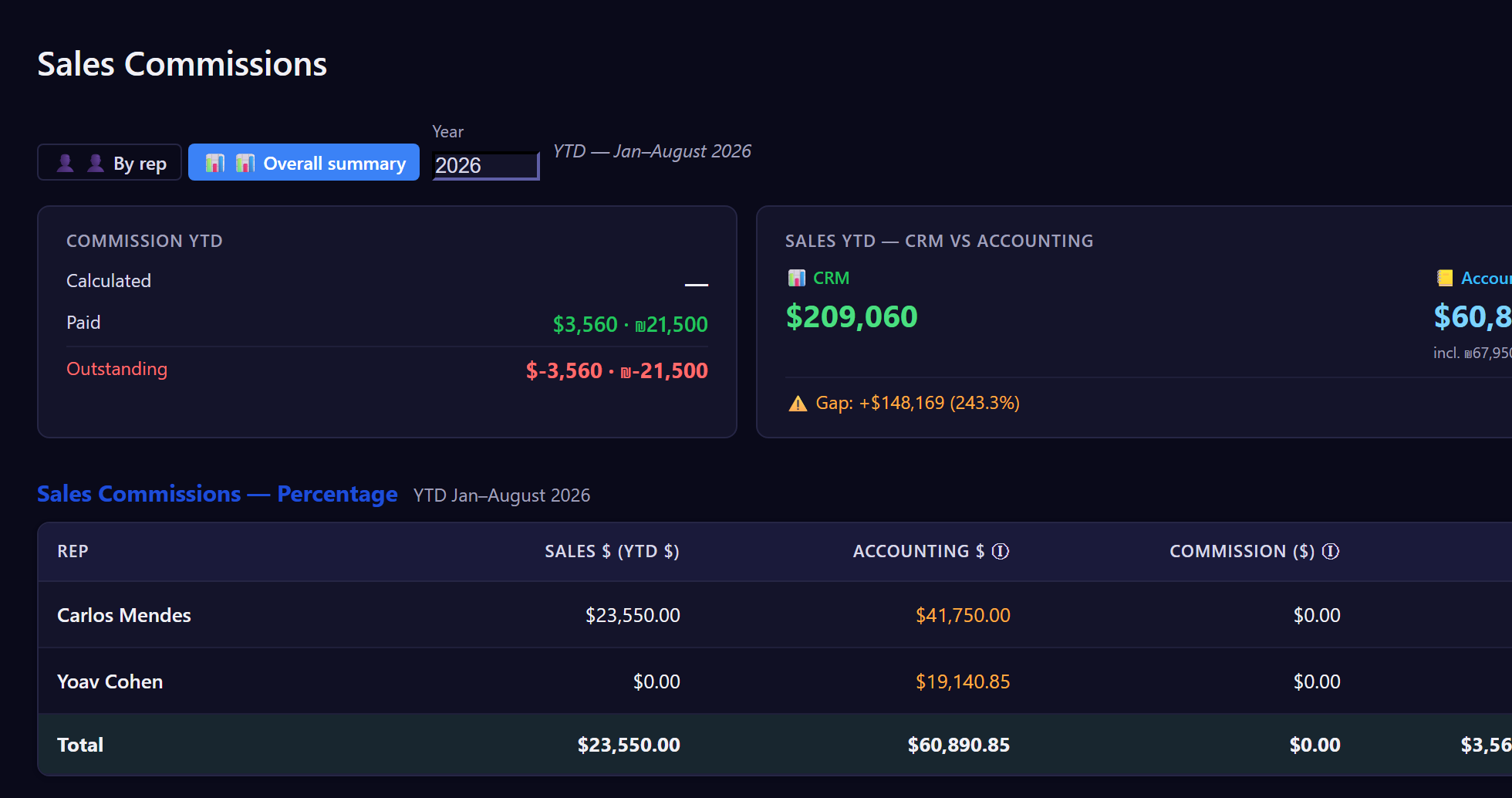
Commission is computed from the sales themselves, using the model you defined. A rep sees only their own; management sees the whole picture.
- Two commission models: percentage of sales, or quarterly target
- A different rate for new versus established customers, by start date
- Distributors and sell-through to the end customer
- A commission report per rep — print or PDF
- Year-to-date reconciliation: accrued versus paid
- Each rep sees only their own commissions
By edition
Workforce Payments
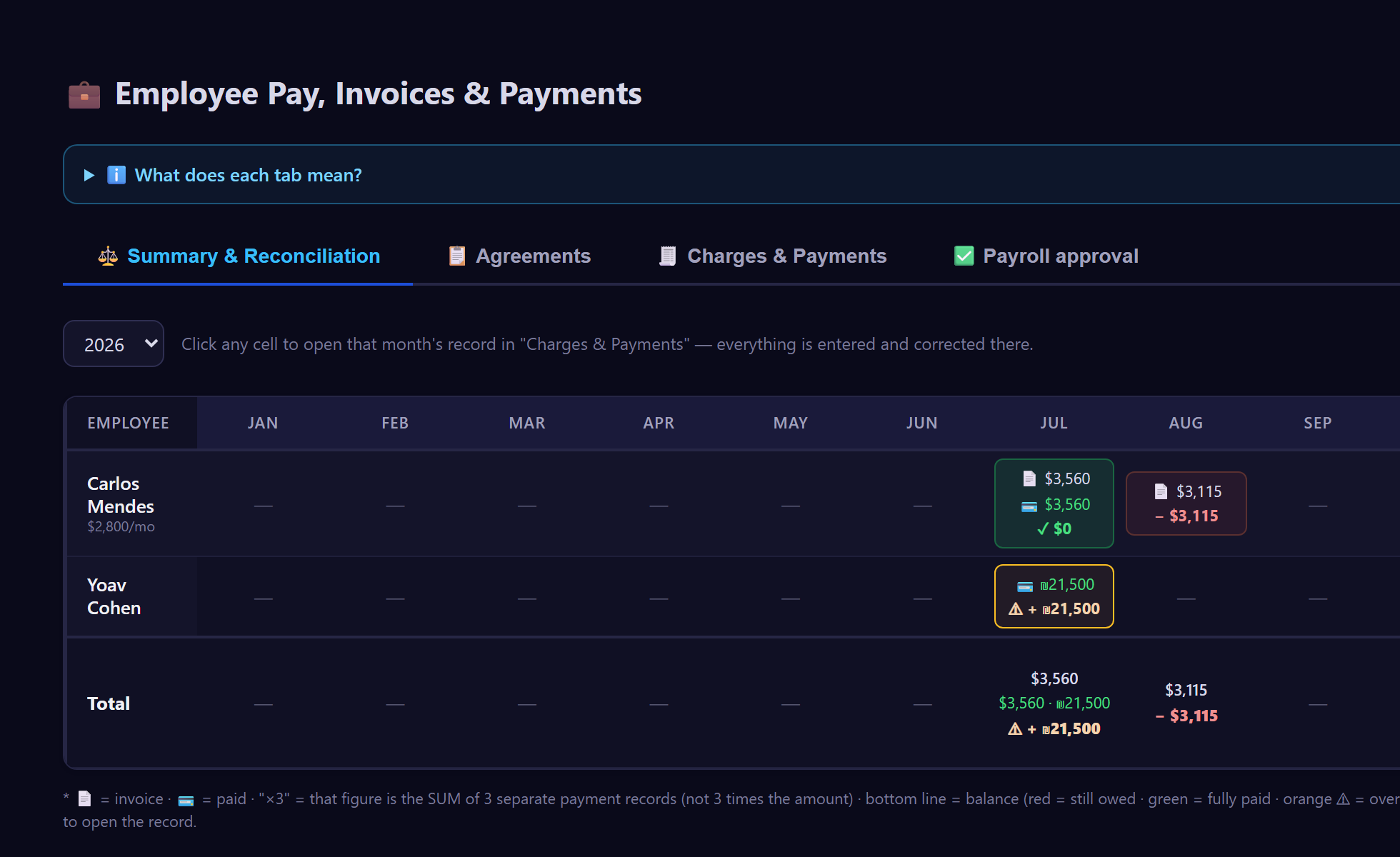
What was agreed, what was invoiced, and what actually left the account. Three numbers on one screen, with a proper approval flow. And it is the same system that recorded the sale the commission is paid on, so nothing is carried by hand between the two.
- Engagement agreements for employees, freelancers and contractors
- Contractor invoices broken down into salary, commission, expenses and travel
- Batch Swift transfers with a reference per payment
- Multi-step approval: direct manager, then management
- Monthly reconciliation: billed versus paid
- Team members across multiple currencies
By edition
Expenses & Travel
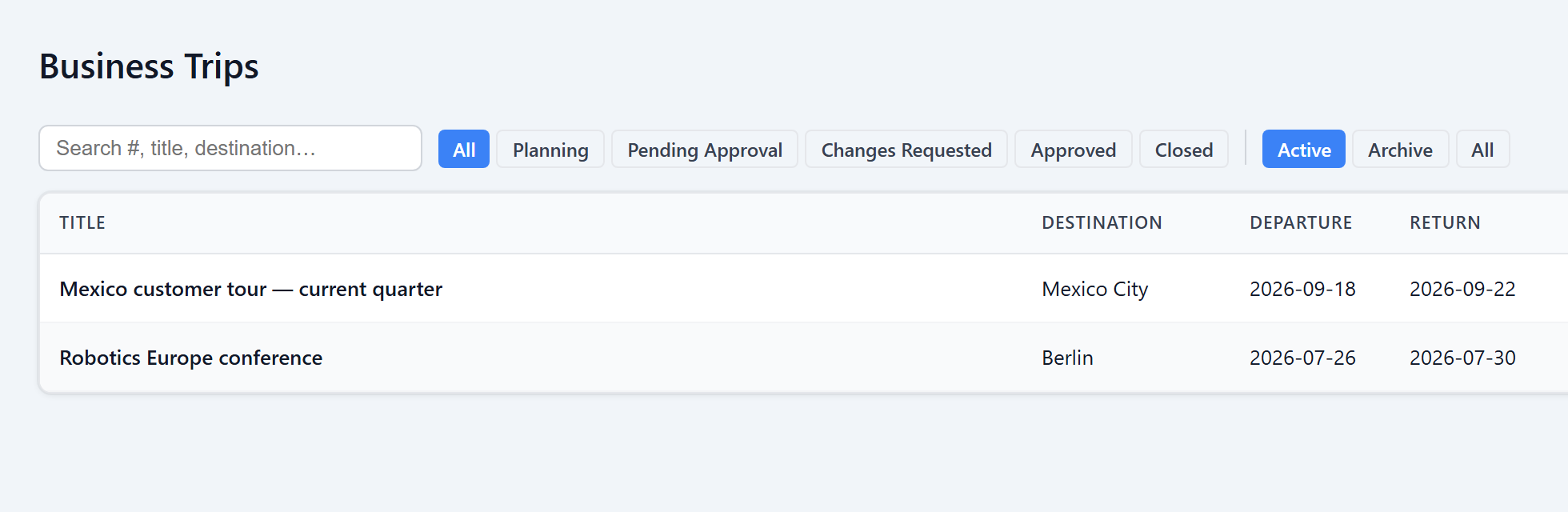
An entire trip in one place, including who paid for what — the company card, or the employee’s own pocket.
- One trip holds flights, hotels, meetings and incidental costs
- A payment source per expense: company card, or personal card for reimbursement
- Planned versus actual, with a trip summary report
- Manager approval, change requests and lock-on-approval
- Currency conversion at the trip-date rate
- Expenses flow into team reconciliation
By edition
E-Commerce & Licensing
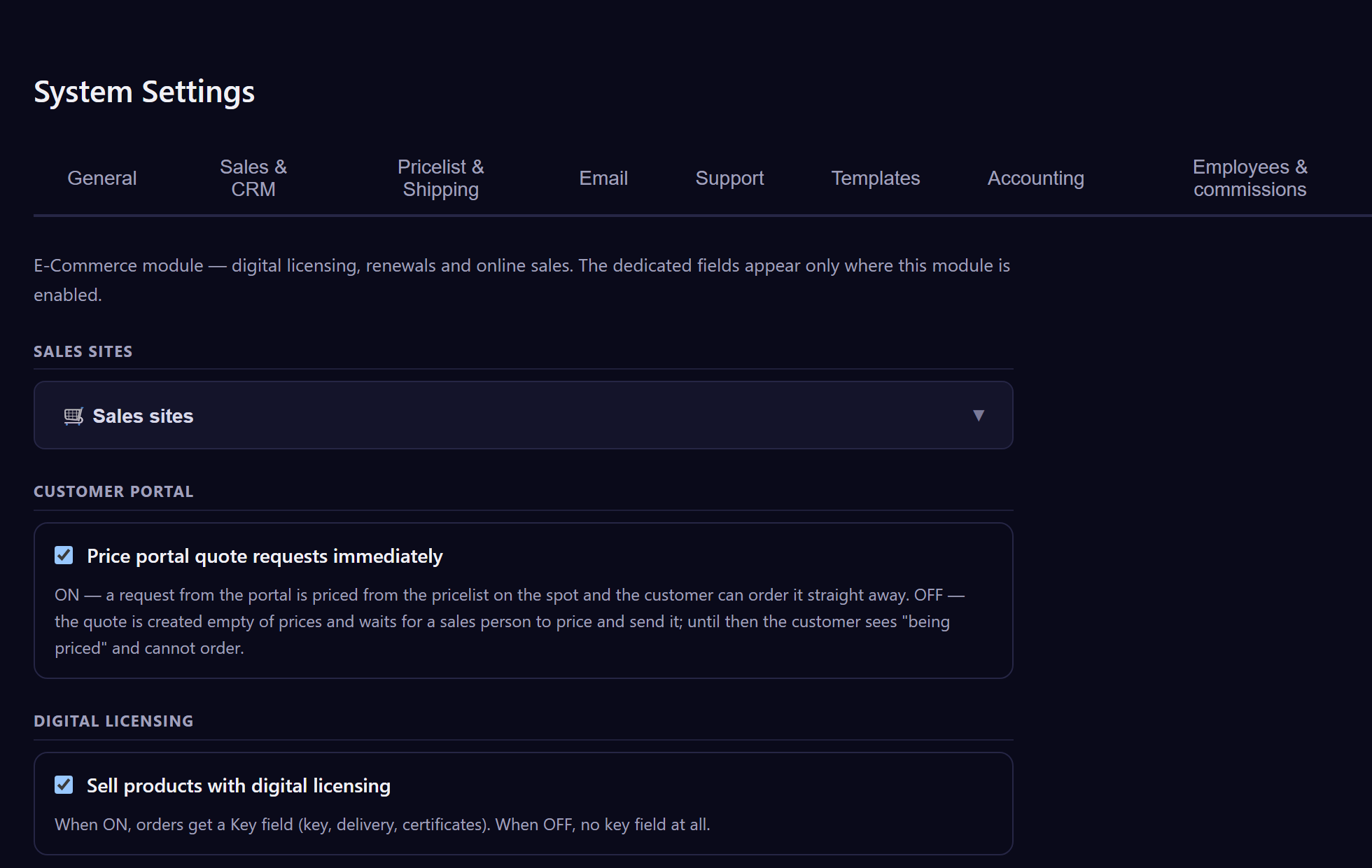
The store, the stock, digital licensing and renewals — on the same customer and order base as the rest of the business. And several storefronts can run from the same system, each with its own catalogue, currency and key.
- Store backoffice: orders, statuses, stock and vendors
- Several storefronts from one system — each site has its own key, domain, currency and catalogue, and the same product can appear under a different name and price in each
- Digital licensing: keys, user codes and activation tracking
- Automatic renewals with reminders and a renewal quote
- Purchase orders to vendors and linked vendor invoices
- UTM and source tracking down to the individual deal
- Payment processing and automatic confirmation
By edition
Start small.
Grow when you are ready.
A free trial with the whole system open, so you find out which edition you actually need rather than guessing. We help you import your data and configure your processes first — the clock only starts after that.
No credit card · cancel anytime